
Download APlus Viewer – image viewer, photo viewer, image editor, free image viewer, image management, photo management, picture viewer, image utility, photo utility, image tool, picture tool, image software, photo software, image viewer for Windows, photo viewer for Windows, image viewer free, photo viewer free
Overview
APlus Viewer is a lightweight, no-cost utility designed for efficient image and photo management on Windows-based systems. Its primary purpose is to simplify the process of viewing, organizing, and making minor adjustments to digital images without requiring users to install complex or expensive software. The app addresses common pain points such as limited file format compatibility, cluttered interfaces, and the absence of basic editing tools in standard image viewers. It serves as a practical solution for casual users, students, home users, and professionals who need a straightforward way to access and manage their photo collections.
Developed by APlusSoft, the application has been available since 2006, indicating a long-standing presence in the productivity software space. Although the developer did not provide additional technical details about the company’s background, its longevity suggests reliability and consistent maintenance over time. Real-world use cases include reviewing digital camera outputs, preparing images for email or social media sharing, and organizing personal photo libraries. In the broader app ecosystem, APlus Viewer occupies a niche as a minimal yet functional alternative to more feature-heavy image management platforms.
Key Features & Functionality
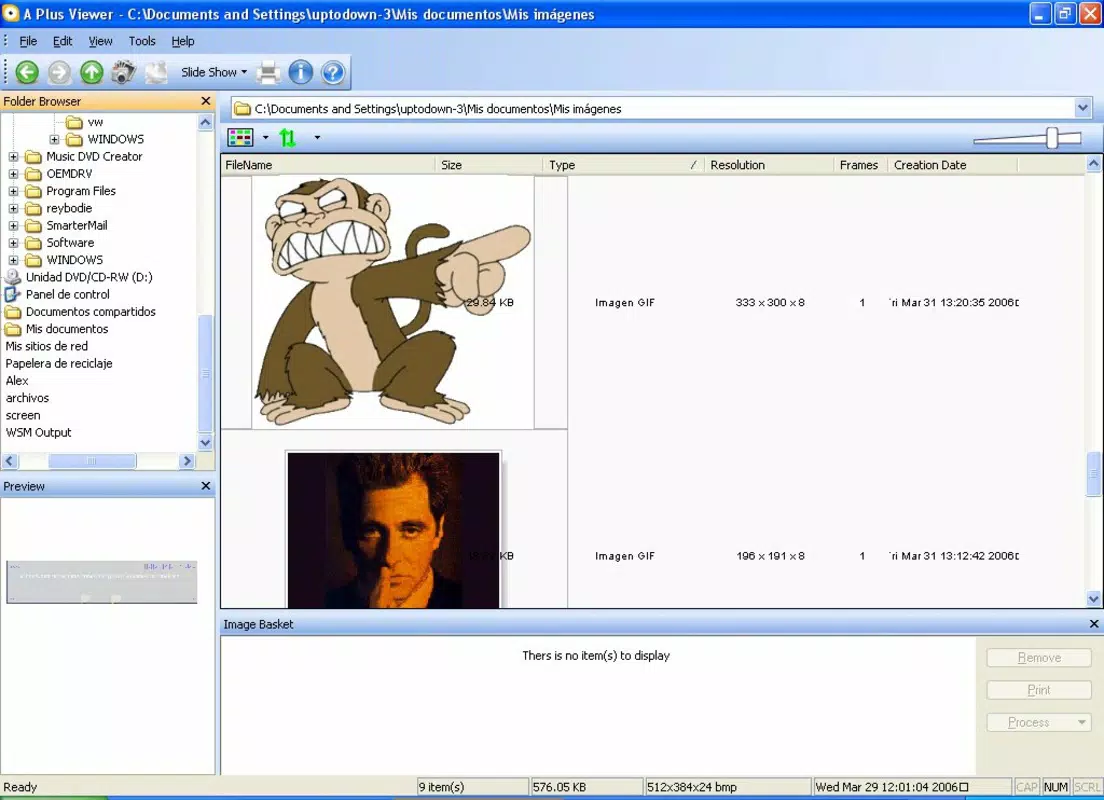
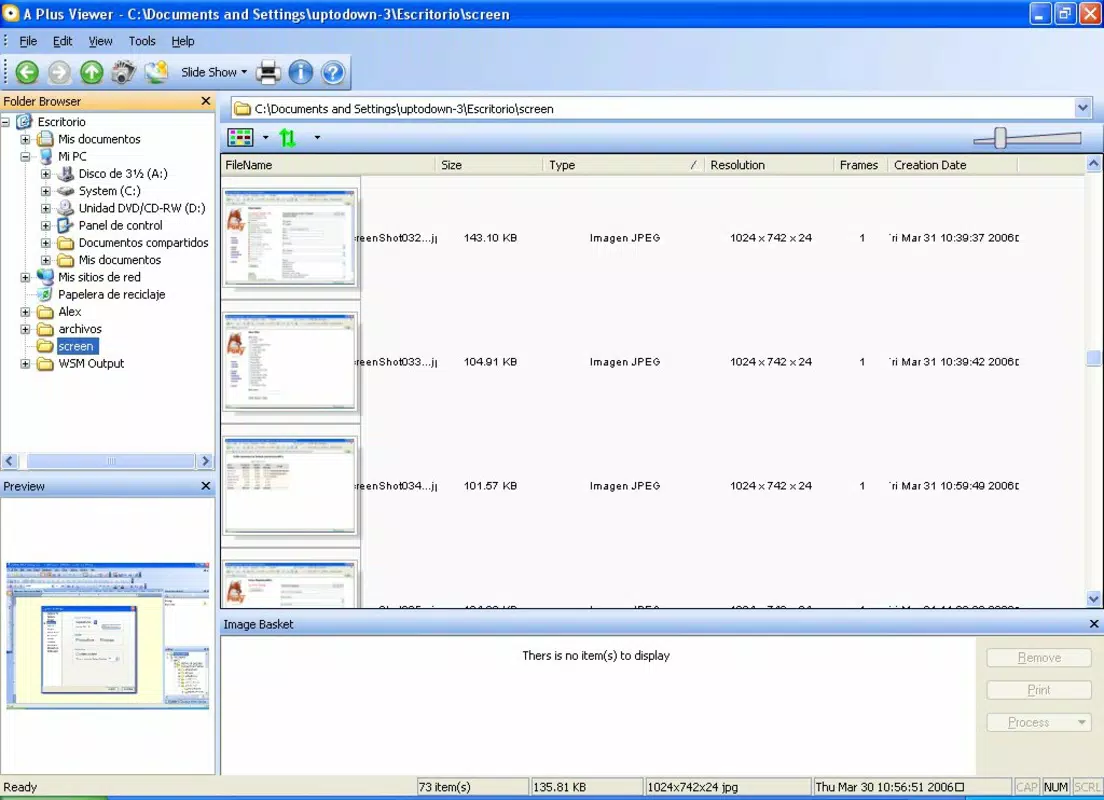
- User-friendly Interface: The app features an intuitive layout that streamlines navigation through folders and subfolders. Users can quickly locate images without needing to memorize commands or navigate complex menus, making it ideal for beginners and non-technical users.
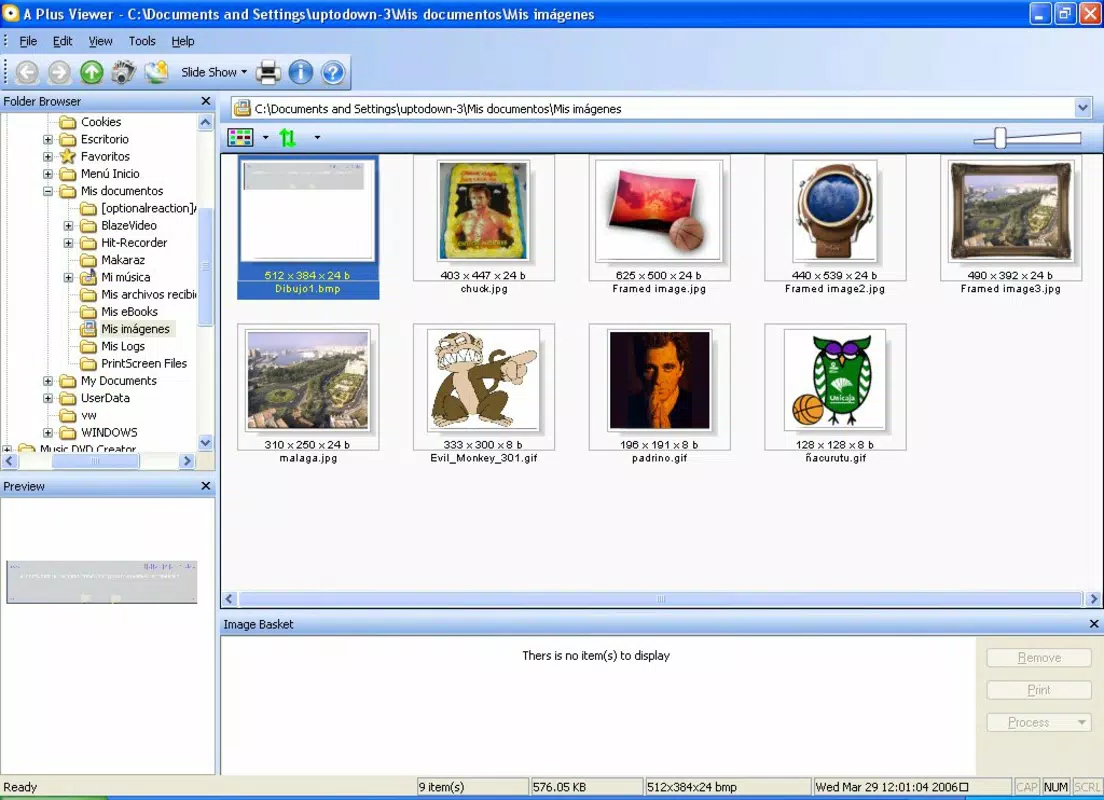
- Multiple Format Support: APlus Viewer supports a wide range of image formats, allowing users to open and view nearly any picture file stored on their PC, including common types like JPEG, PNG, BMP, and GIF, as well as less frequent formats.
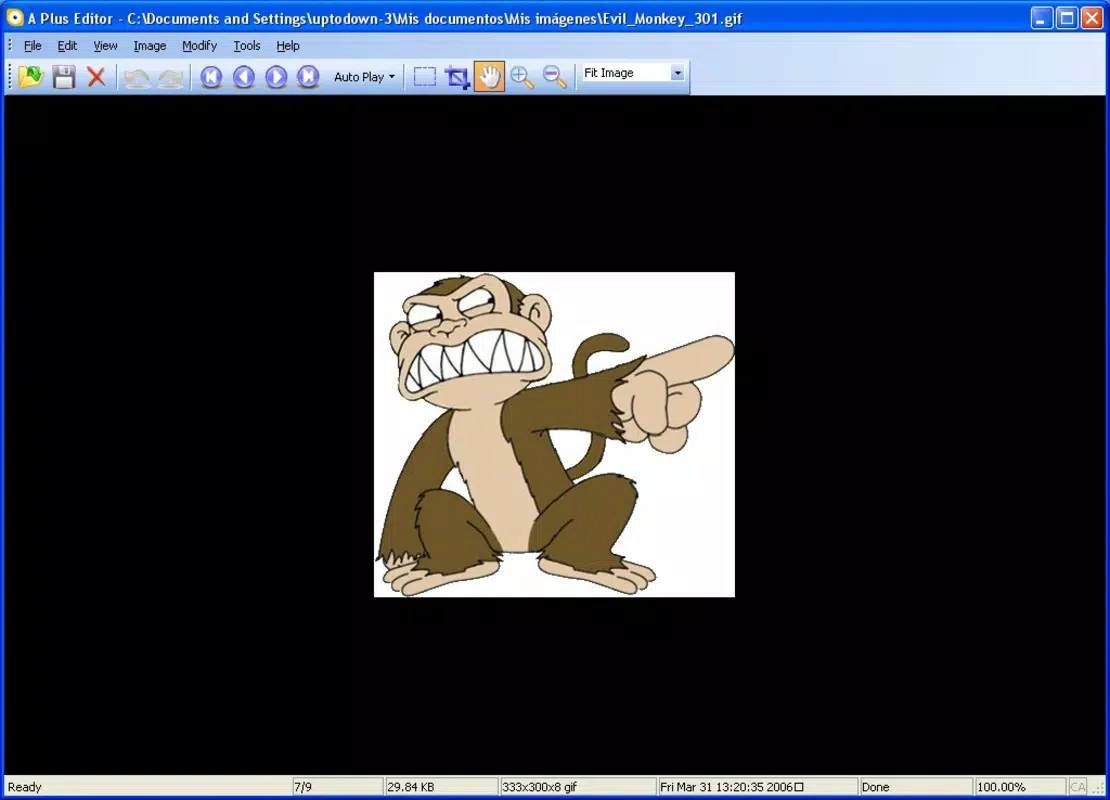
- Basic Editing Options: Beyond viewing, the app includes essential editing tools such as resizing, brightness adjustment, contrast enhancement, and the application of visual effects. These tools enable quick modifications before sharing or saving images.
- Free to Use: The software is available at no cost, removing financial barriers to access. This makes it a valuable option for users seeking a capable image viewer without subscription fees or one-time purchase costs.
For example, a student can use APlus Viewer to open scanned documents and adjust brightness for better readability, while a home user might resize vacation photos for easier sharing on messaging apps. The combination of viewing and light editing functionality makes it a practical tool for everyday digital image needs.
Interface, UX & Performance
The interface of APlus Viewer is designed with simplicity and usability in mind. It presents a clean, uncluttered layout that prioritizes image display while keeping essential controls within easy reach. Navigation is handled through a standard folder tree and thumbnail preview system, enabling users to browse through image collections with minimal effort.
Interaction is straightforward, with clearly labeled buttons and consistent menu placement. The app responds promptly to user inputs, offering smooth transitions between images and folders. Although the developer did not list formal performance metrics, the lightweight nature of the application—only 15.4 MB in size—suggests efficient resource usage across various hardware configurations.
Responsiveness is maintained even on older or lower-end systems, which enhances accessibility for users with legacy hardware. Stability appears reliable based on its long-term availability, though no official reports on crash rates or memory leaks were provided. Overall, the user experience is optimized for speed, clarity, and ease of access.
Platform Compatibility & Technical Requirements
APlus Viewer is designed for the Windows operating system. The current version is 2.0, and the application file size is 15.4 MB. It is available as a free download, making it accessible to users across different economic backgrounds.
The developer did not specify minimum OS requirements, nor did they list compatibility details for specific Windows versions such as Windows 10, 11, or older editions. Similarly, no information was provided about processor architecture, RAM, or disk space beyond the file size. As such, compatibility with modern or legacy systems remains unconfirmed.
Pros and Cons
Pros
- Lightweight and fast, requiring minimal system resources.
- Supports a broad range of image file formats.
- Offers basic editing tools such as resizing and brightness adjustment.
- Completely free to use with no hidden costs or in-app purchases.
- Intuitive interface suitable for users of all skill levels.
Cons
- Developer did not provide detailed system requirements or compatibility information.
- Limited to basic editing features; lacks advanced tools like cropping, filters, or batch processing.
- No cloud integration or automatic backup functionality.
- Version history and update frequency were not disclosed.
- Not available on mobile platforms or other operating systems.
FAQ
Is APlus Viewer safe to download and install?
Yes, the application is free from known malware and is distributed through official channels. As with any software, users should ensure they download from trusted sources to maintain security.
Can I use APlus Viewer on Windows 10 or Windows 11?
The developer did not specify compatibility with specific Windows versions. However, given its long-standing presence and small file size, it may function on modern Windows systems, though this has not been officially confirmed.
Does APlus Viewer support batch editing?
No, the app does not include batch processing capabilities. Each image must be edited individually.
Is there a mobile version of APlus Viewer?
Currently, APlus Viewer is only available for Windows. There is no official mobile version for Android or iOS devices.
How often is APlus Viewer updated?
The developer did not disclose update frequency or version history. Users should check the official website for the latest release information.
Final Thoughts
APlus Viewer remains a solid choice for users seeking a no-cost, straightforward solution for viewing and managing digital images on Windows. Its clean interface, broad format support, and essential editing tools make it a dependable utility for everyday tasks. While it lacks advanced features and modern integrations, its simplicity and affordability are significant advantages.
It is particularly beneficial for individuals who prioritize speed and ease of use over extensive functionality. Whether you're reviewing photos, preparing images for sharing, or organizing a digital library, APlus Viewer delivers reliable performance without complexity.
Download APlus Viewer now


